bdg33 APK — Play directly on your Android phone, anytime and anywhere
Use the official bdg33 APK file to have the full platform on your Android phone wherever you go. Sports betting, live casino, slots — all in one app.

What is an APK and how to get the bdg33 Android app
An APK (Android Package Kit) is the installation file for apps built on the Android operating system. The apps we normally download from the Google Play Store are essentially delivered through these same files — which can also be installed directly on a phone. Many online gaming and betting platforms offer their own official APK because apps of this type are not listed on the Play Store.
bdg33's Android app is also available as an APK, and it is available only through official channels. Using this APK, you can enjoy the full bdg33 experience directly on your Android phone — from sports betting to live casino and everything in between. A separate app is also available for iOS users, accessible through official channels.
For more details about the bdg33 app, visit that page where the app's overall features are covered.
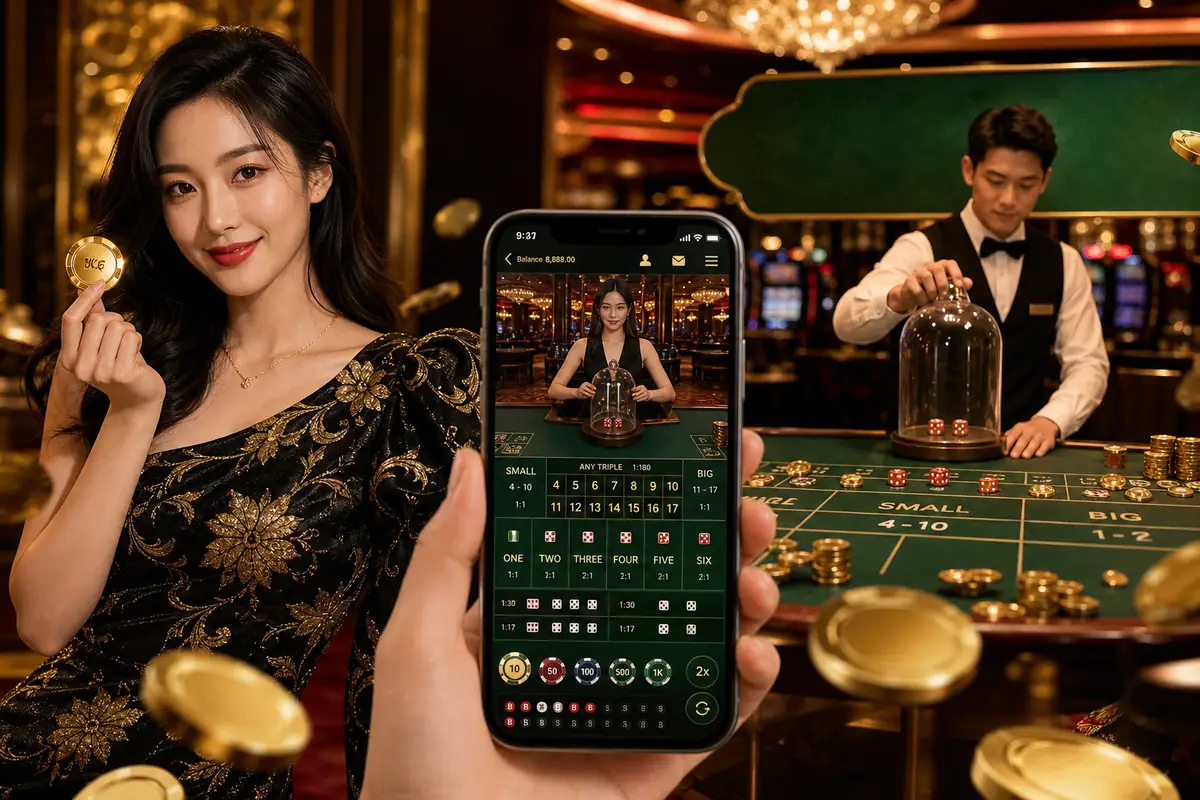
Steps to install bdg33 APK
Following the steps below will make it straightforward to install the bdg33 APK on your Android phone. Read each step carefully.
Get the APK from the official source
Obtain the APK file through bdg33's official channel. Do not take the file from any other source.
Allow installation from unknown sources
Go to your phone's Settings > Security (or Apps > Special App Access) and turn on "Install unknown apps". Do this temporarily only for installing the bdg33 APK.
Open the APK file
Find the APK file in your phone's file manager or downloads folder and tap it.
Tap the Install button
Android will show a pop-up. Tap "Install" and wait for the installation to finish.
Open the app and log in
Once installation is complete, tap "Open" or tap the bdg33 icon on your home screen. Then log in to bdg33 with your username and password.
Restore your security setting
After installation, go back to Settings and turn off "Install unknown apps" again to keep your phone secure.

How to upgrade the bdg33 APK when a new update is available
The bdg33 app is regularly improved — new games are added, payment processing becomes smoother, and security is strengthened. So it is important to use the latest official APK.
The update process is the same as the installation. Get the new APK file from the official channel. When you tap it, Android will automatically detect that an older version is installed and show an "Update" option. Updating will not erase your account details, balance, or history.
Before updating the app, make sure any active bets or live game sessions have ended. Once the update is done, log in and everything will be just as before.
Tip
If anyone tells you to "update" from somewhere other than the official channel, do not trust it. Always get updates from the official source only.
Common installation problems and solutions
A few common problems can come up when installing the bdg33 APK. They are listed below along with straightforward solutions.
If storage is low
If there is not enough space on your phone, the installation will not complete. Check Settings > Storage to see how much space is free. Delete old photos, videos, or unused apps to free up some space, then try installing again.
If installation is blocked
If you see "Install blocked" or a message saying installation is not allowed for security reasons, go to Settings and turn on "Install unknown apps" or "Unknown sources". This is a normal Android security feature — you need to grant temporary permission to install APK files.
App won't open
If installation succeeded but the app won't open, restart your phone once. If the problem continues, go to Settings > Apps and clear the cache for the bdg33 app. If the issue persists, contact bdg33's 24/7 live chat support.
Network problem during installation
If your internet connection drops while downloading the APK file, the file may be incomplete. In that case, delete the file and, once your network is stable, download it again from the official channel.
Old app not updating
Uninstall the old version and install the new APK. Your login details will not be erased, but you will need to log in to your account again. The support team can help if you run into any trouble.

Use only the official APK — stay safe
In Bangladesh, fake files named "bdg33 APK" are being spread through Telegram groups, Facebook Messenger, WhatsApp channels, and various unfamiliar links. Even though these files may look exactly like bdg33, they can be dangerous for your phone and your account.
Do not take APKs from Telegram or Facebook
APK files shared on Telegram channels, Facebook groups, or Messenger are not official. They can introduce malware to your phone or steal your login details.
Do not click unknown links
"APK with special offer", "modified version", or "unlimited bonus APK" — files making these kinds of claims are never trustworthy. bdg33 never promotes anything of this sort.
A simple safety check
If anyone sends you an APK or a link — however trustworthy it may seem — do not use it. Always get the APK through bdg33's official channel. If in doubt, log in and ask directly via the site's live chat.
For advice on playing responsibly and keeping your account secure, read our responsible gaming page.
Get started on the bdg33 app — get a bonus on your first deposit
After installing the app, open an account and make your first deposit to receive a 200% bonus, up to ৳20,000 (15x wagering). Deposit from as little as ৳200 — via bKash, Nagad, Rocket, or bank transfer. Withdrawals start from ৳500, usually processed within 10–45 minutes. Full details on all offers are on the bdg33 bonus offers page. VIP members also receive weekly cashback on net losses — see the bdg33 VIP page for details.
For ages 21 and over. Play responsibly.